

When building internal tools, you’re faced with a tough question that many fast-moving teams don’t ask soon enough:
What’s the right platform stack for what we’re trying to build?
From prebuilt dashboards to low-code platforms to fully custom apps, there are more options for internal tooling than ever—each with its own trade-offs.
- Retool®
- Claris FileMaker®
- Airtable®
- Custom-built Web Apps
- …and plenty more depending on the department and the problem.
So how do you choose?
The truth is: there’s no universal “best” tool—only the best-fit tool for your team, your use case, and your growth trajectory. But some tools consistently offer the right balance of speed, structure, and adaptability. That’s where platforms like FileMaker often shine.
In this post, we’ll break down the strengths and limitations of popular platforms and give you a framework to help make the right decision.
Step 1: Understand Your Context
Before you evaluate any tool, you need to answer four critical questions:
1. Who will build and maintain it?
Is it a developer, a technical ops person, or a non-technical stakeholder?
2. Who will use it?
Internal users may have expectations around polish, speed, or flexibility—especially if the tool spans multiple departments.
3. How fast do you need to move?
Is this a stopgap tool, a long-term system, or a prototype that could grow?
4. What’s the complexity of the workflow?
Are you just tracking items in a table, or managing approvals, data relationships, logic, and security?
The answers to these questions help define your stack—not the other way around.
Retool®: Great for Engineers, Less So for Everyone Else
Best for: Engineering-supported internal dashboards or admin panels
Limitations: Requires dev bandwidth, not ideal for business-owned systems
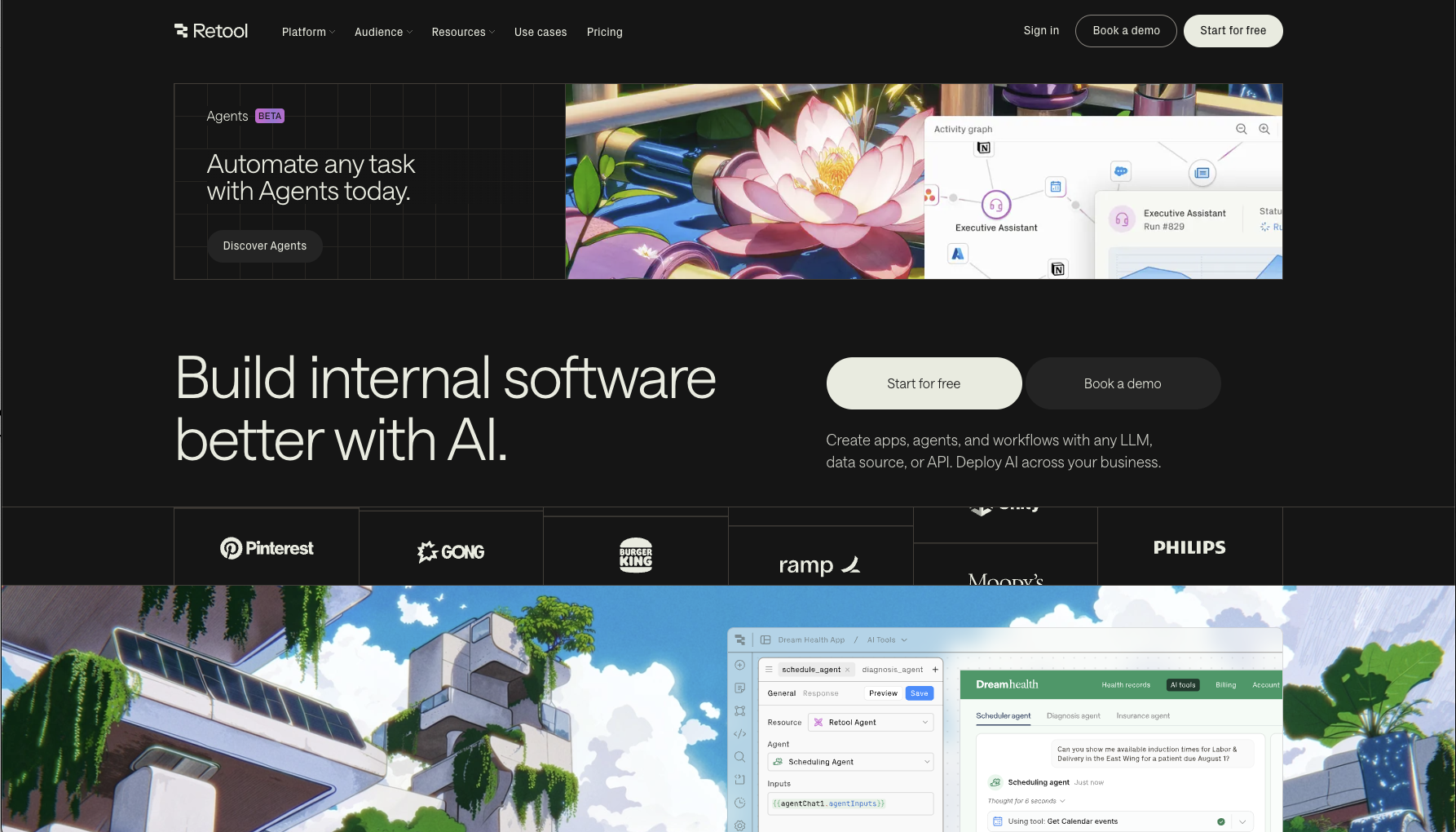
Retool is a strong contender when your data lives in SQL databases, and you have developers available to configure complex components, including “AI primitives“. It’s fast, powerful, and offers solid integrations.
If you need a reporting interface over existing data or a simple CRUD dashboard with authentication, Retool shines. It excels at developer-led tools with technical upkeep baked in.
But that’s also its weakness: you need engineering to maintain it. Non-technical users can’t easily build complex forms, workflows, or automations. And once a Retool app is live, updating it often means getting back in the engineering queue.
For developer-owned admin tools? Retool is great.
For broader, business-owned workflows? It can become a bottleneck—especially when teams need to iterate independently of engineering sprints.
Claris FileMaker®: Low-Code, High Power
Best for: Structured workflows managed by ops, finance, marketing, et. al.
Limitations: Requires thoughtful design and integration for scale
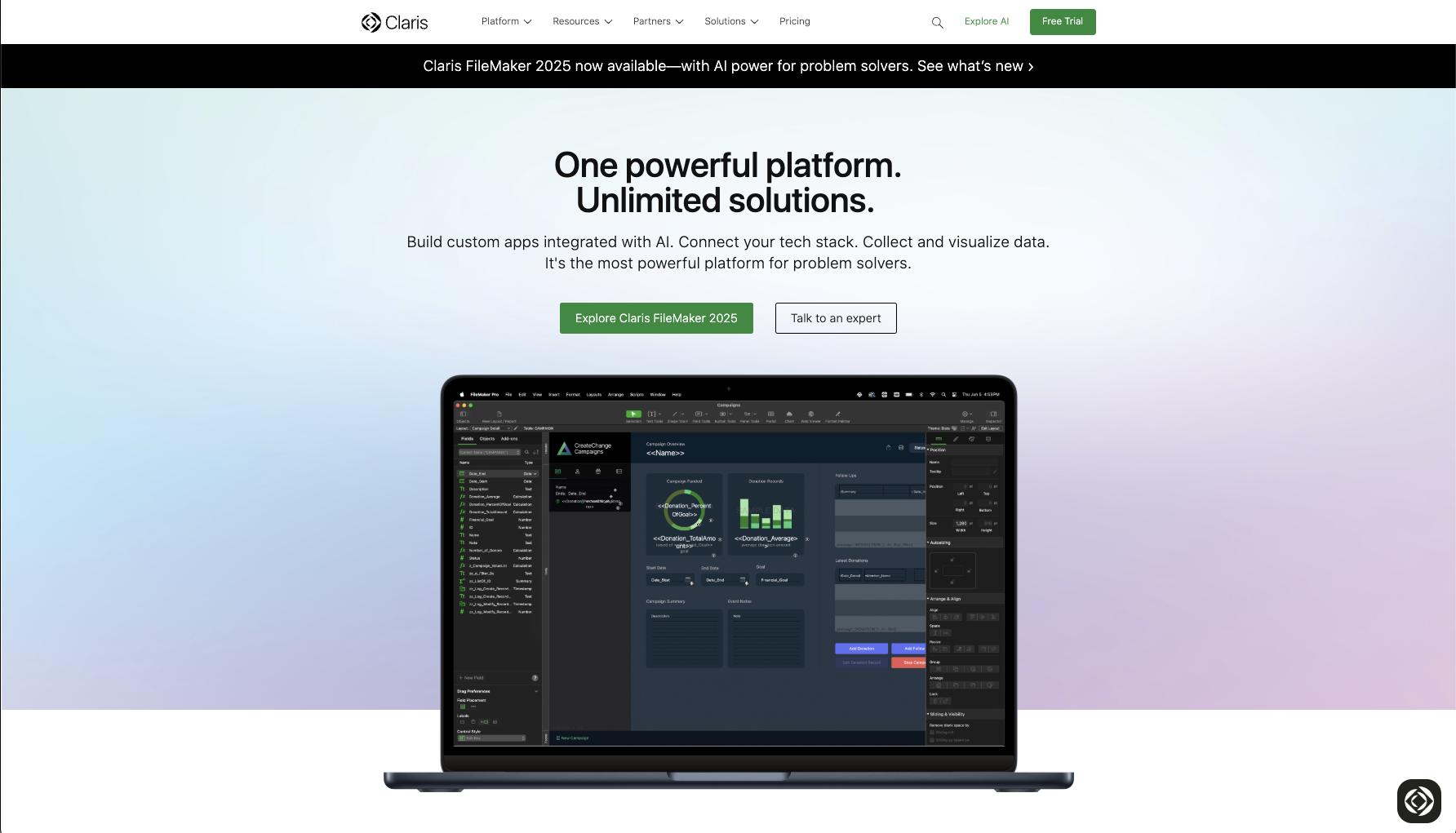
Claris FileMaker has been around for decades—and it’s evolved into one of the most mature low-code platforms on the market. Its real strength lies in enabling non-engineers to build and iterate on complex, structured systems without relying on large dev teams.
With FileMaker, teams can define workflows, manage records, implement user permissions, and structure data relationships—all with an intuitive interface and robust scripting. Use web components and AI with FileMaker (such as natural language search or document summarization), and the platform becomes even more extensible.
Where Retool leans technical and Airtable leans lightweight, FileMaker offers a middle ground—enabling non-technical teams to build robust internal systems that don’t rely on shadow IT or complex engineering pipelines.
We often use FileMaker as the core data and logic layer, and build custom web apps or integrations on top—giving clients the best of both worlds: low-code rapid development and high-code polish.
While we’re big fans of FileMaker, as professional developers we’re also the biggest advocates for ongoing improvement in the platform:
FileMaker shows some limitations when modern, responsive web UI design is required, or solutions need to scale and integration beyond users in mid-sized workgroups. Still, it’s one of the few platforms we’ve seen consistently succeed across business teams like finance, supply chain, marketing, legal, or operations—and we build tools as needed for flexibility, scalability or integration.
We’re also following the progress of Claris Studio (for web interfaces) and Claris Connect (for integration) as ways to extend FileMaker more affordably.
Airtable®: Flexible but Finite
Best for: Lightweight databases, team collaboration, prototyping
Limitations: Limited workflow automation, permission handling, and long-term scalability
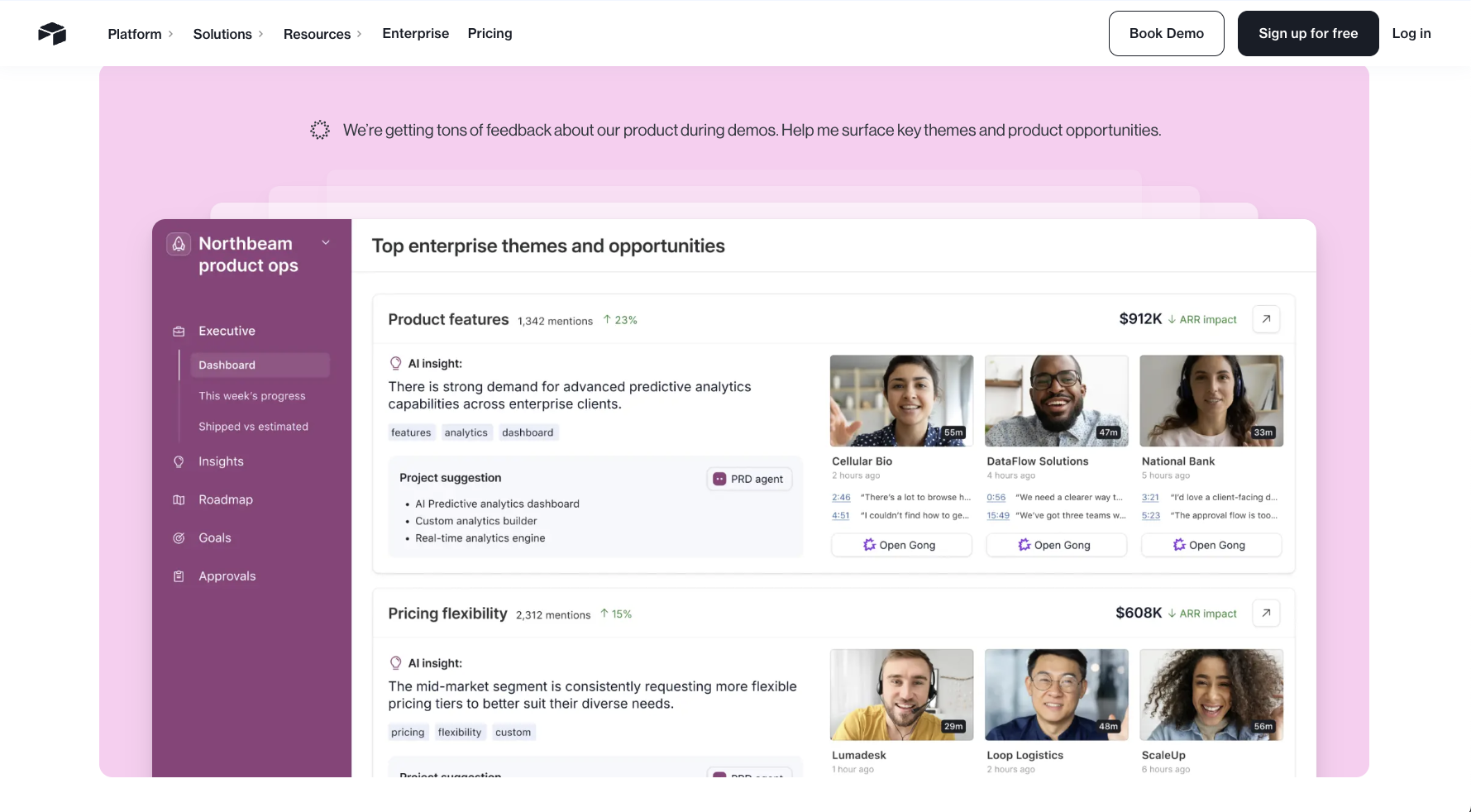
Airtable is a favorite for many teams—and for good reason. It’s visually intuitive, easy to adopt, and perfect for tracking data in table format. For quick collaboration, no-code workflows, and lightweight project tracking, Airtable is a fantastic entry point. It’s new AI-based “app building” features are promising.
But as use cases get more serious—especially around approvals, multi-step workflows, reporting, or automation—Airtable starts to show its limits.
- Custom form logic? Minimal.
- Advanced permissions? Tricky.
- Workflow branching or conditions? Requires workarounds.
- Integration across systems? Possible, but limited.
In other words: great for getting started, not always great for scaling.
That’s why many teams use Airtable as a prototype or proof-of-concept tool, then graduate to a more structured system (like FileMaker or a custom app) when complexity increases.
Custom Web Apps: Maximum Flexibility, Higher Cost
Best for: Unique, highly complex workflows requiring deep integrations or branding
Limitations: Time-consuming, expensive, requires ongoing engineering support
A fully custom internal tool built in React, Vue, or your preferred stack gives you complete control. You can design exactly what you want, integrate with your systems natively, and create a beautiful user experience.
But that control comes at a cost.
Custom apps require:
- Product management and design
- Frontend + backend development
- Hosting, monitoring, and security
- Ongoing updates and support
That’s a lot of effort—especially if the tool is for internal use only. For teams moving fast or with limited engineering bandwidth, a custom build may be overkill.
We recommend custom web apps when:
- The tool is core to your operations
- You need deep integrations with unique business logic
- Branding and browser-first UX are mission-critical
- There’s long-term engineering capacity to support it
Otherwise, you’re often better served with a hybrid or low-code solution.
What We Recommend (and What We Build)
| Platform | Best For | Strengths | Limitations | Ideal Owner | Scalability |
|---|---|---|---|---|---|
| Retool® |
|
|
|
Engineering teams | Moderate |
| FileMaker® |
|
|
|
Ops, finance, legal, non-dev teams | High |
| Airtable® |
|
|
|
Anyone | Low to Medium |
| Custom Web Apps |
|
|
|
Product + Dev team | Very High |
At Beezwax, we don’t advocate for a single tool—we focus on matching the tool to the problem.
In many of our most successful projects, FileMaker has become a foundation—with web components and APIs layered on as the system matures. It’s the tool we reach for most often when speed, reliability, and cross-team usability all matter.
Our blended approach often includes:
- FileMaker for structured data, forms, and logic
- Web components for polished interfaces and external access
- APIs to connect other systems (SQL, QuickBooks®, custom backends)
- AI to enhance workflows with automation, extraction, and smart tagging
This hybrid model lets us build faster than custom apps, but with more power than simple no-code solutions.
The goal isn’t to use trendy platforms—it’s to deliver tools that work, adapt, and scale.
Choosing the Right Stack Starts with the Right Questions
Before you commit to a platform, ask:
- Who will own and update this tool?
- What’s the real pain point we’re solving?
- How important is speed vs. customization?
- Do we want a short-term fix or a long-term system?
Your answers will lead you to the right mix of tools.
Need Help Choosing?
If your team is exploring options for internal tools – whether it’s FileMaker, Airtable, Retool, other low-code platforms, or a custom web app build – we’d be happy to help you evaluate what’s best for your needs.
We can help you map out your use case, sketch a roadmap, and recommend a solution that fits your team, timeline, and budget.
Because the right tool isn’t just the one that works today—it’s the one that will still work when you grow.
All trademarks, registered trademarks, or service marks referenced in this story belong to their respective holders.